Showing posts with label MocapAnimation. Show all posts

Thursday, February 17, 2022

Idle to Walk Mocap Animation Part 2: Adding the Character

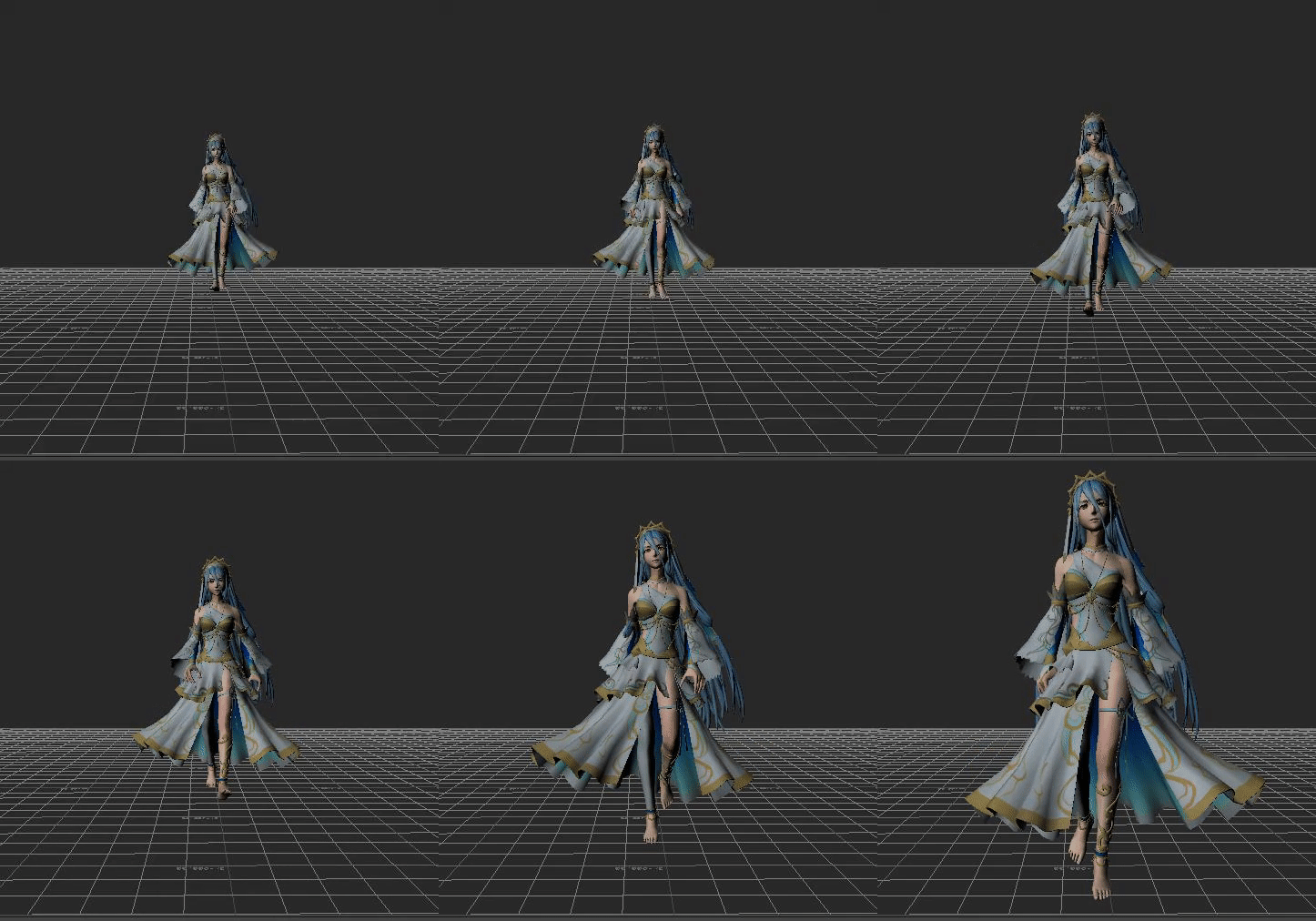
Motion Builder 2022 Trimmed and Plotted Azura Walk Animation

For this week I chose to work on adding the mocap data to a character.  For this animation, I worked with a character named Azura who you may recognize from the Fire Emblem series.  This rig is of her special costume and I got her rig from my grad school mocap rig library.  I though she had a very cool design and she also had some very interesting hair and clothing.  I find hair and clothing very interesting and something I want to learn more about so working with her would give me some more insight on how hair and clothing work when it's time to work with both of those areas.  

To start off I open Azura in motion builder.  I then also add my folder path to my cleaned and characterized mocap data in the asset browser so that it is easier to work with.  After adding my folder path, I drag one of the mocap animations onto the scene and FBX merge.  

Motion Builder 2022 Azura and Mocap Data Rig


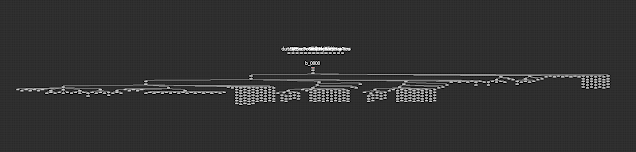
From here I select my character in the navigator outline and switch her Input Type to Character under the Character Settings.  I also plot the character so I can delete the mocap data from the scene.   After I plot my character I opened my schematic and deleted the mocap data.  Azura has many nodes in the schematic view!

Motion Builder 2022 Cleaned Plotted Character Schematic

After I plotted my character, I created a new folder for my plotted scenes and saved my scene.  I did the same process for my other animation before I moved into trimming the animation.  

Motion Builder 2022 Short Gif on Azura Idle Animation

Motion Builder 2022 Short Gif on Azura Walking

Once I got both of my animations plotted I began to look at where I could begin trimming.  Because these animations weren't given direction when shooting the mocap, I will have to copy some keyframes for when I merge the two animations together.  What I mean by they weren't given direction I mean that the actor wasn't told to lower their arms first from T-pose before beginning to walk.  
Once I find the frames that I want to cut using the cut filter, I set my set start to 0 and my set stop to the frame I want my animation to begin. I then used the same technique to cut off the animation at the end.  For the walk I kept it simple and short.  For the idle I'm going to be showing that one's trim in the next post!

Motion Builder 2022 Azura First Walk Frame After Getting Trimmed

Sunday, February 6, 2022

Idle to Walk Mocap Animation Part 1: Cleaning and Characterizing.

Motion Builder 2022 Short Gif Cleaned and Characterized Walk Animation

Motion Builder 2022 Short Gif of Cleaned and Characterized Idle Animation

I decided that I wanted to gain some more knowledge about mocap animation and learn about the animation process in motion builder.  To start my journey on learning more about this area, I started simple with just a basic walk and idle animation.  I'm starting these animation off separately before I combine them into one.  While I was in grad school,  I went to some of the lectures about mocap animation.  I never got to finish any of the animations but I did learn a lot from my professor.  

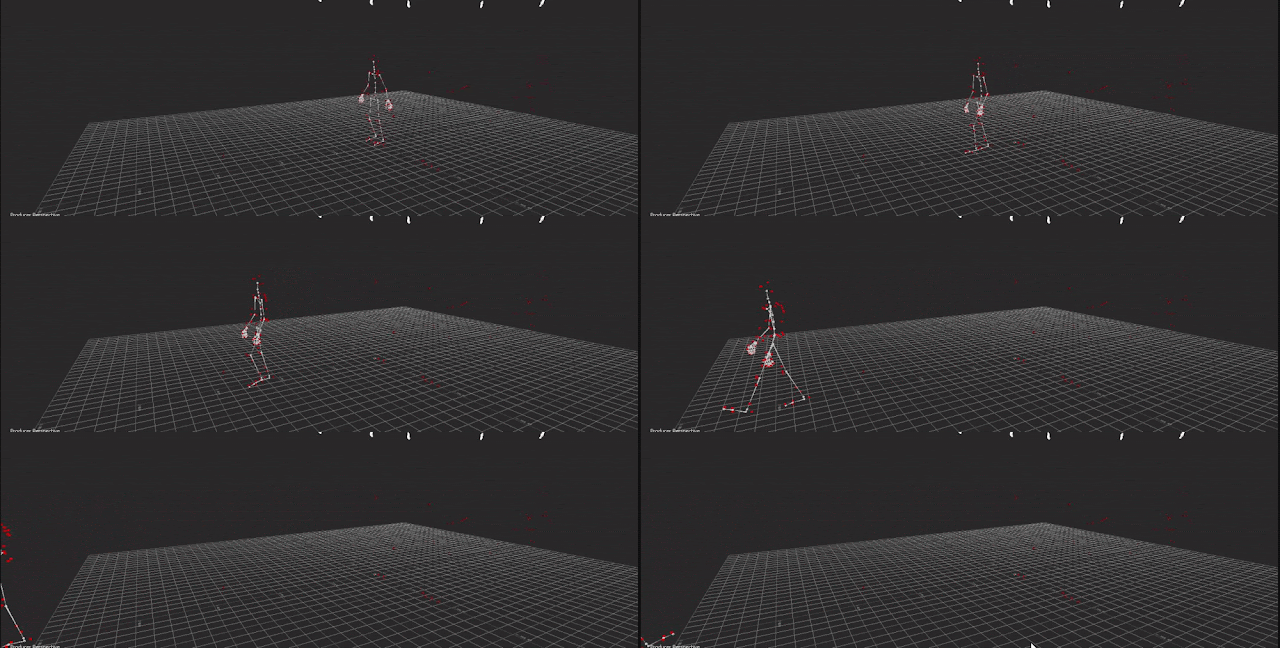
To start off, I found my mocap data from the animation I started in grad school.  I'm starting from the very beginning where I have to clean and characterize the data.  I see many red dots in the scene which is data I need to clean.

Motion Builder 2022 Original Walk Animation 

To begin cleaning the scene, I first start with opening the schematic.  I deleted the system, unlabeled markers, markers for props that were not used, and the markers that were on the actor.  

Motion Builder 2022 Unclean Schematic View

Motion Builder 2022 Clean Schematic View 

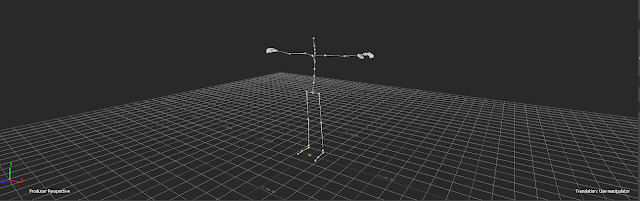
Motion Builder 2022 Clean Perspective View

To take the cleaning process a bit further, I characterized the scene.  Characterizing allows me to label the joints to transfer the data to a mocap rig.  I first set the starting frame at 0.  I also zero out all of the rotations.  I then selected just the hip joint and rotated the X 90 degrees. Next selected everything and keyed it on frame 0.  Finally, added a template character and renamed it Mocap so I know what the mocap data is.  At this point I save my cleaned file in a new folder. 

Motion Builder 2022 Cleaned and Characterized File

I then run through this very same process for my idle animation.

Motion Builder 2022 Original Idle Animation Short Gif

Scaling Your Controllers when they are Connected

 Sometimes when you are working on a rig, you may need to go back and adjust your controllers size a little bit.  This is possible without b...